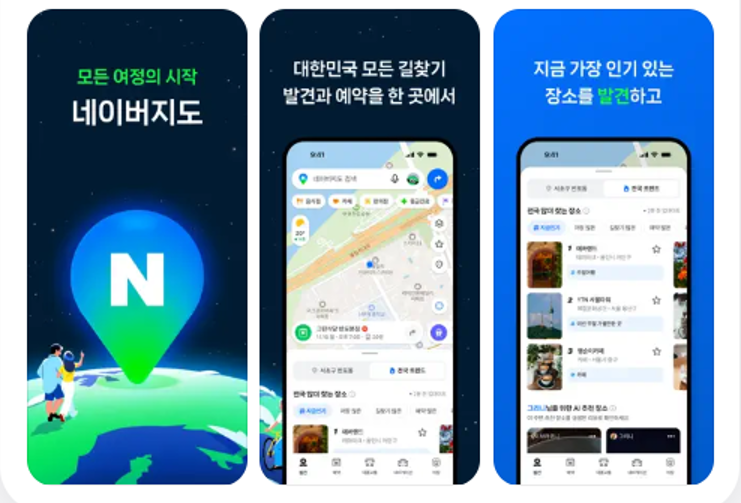

Naver Map is one of the most widely used map apps in South Korea. It can help you find cafés and restaurants, check when your bus is arriving, and get directions to your destination. It’s also often recommended to visitors planning a trip to Korea.
“Why not just use Google Maps?” In Korea, you can use Google Maps to search for places, read reviews, and get public transit directions. However, as of October 2026, Google Maps does not provide walking or driving directions in South Korea. The Korean government has conditionally approved Google’s request to export detailed map data, but that approval did not immediately add those features. It’s a good idea to have a local map app ready for getting around.
Why Naver Map?
In a study released in 2024 by the Ministry of Culture, Sports and Tourism and the Korea Tourism Organization, Naver Map was the most-used app for transportation and directions among foreign visitors to Korea: 56.2% said they used it. Google Maps came in at 33.9%.
What Naver Map does well
- Directions: Walking, public transit, driving, and cycling directions, plus bus and subway arrival information
- Languages: Maps in English, Chinese, and Japanese
- Place details: Hours, menus, photos, and Korean-language reviews
- Reservations and orders: Available at participating restaurants and businesses
- Passport verification: Foreign visitors can verify their identity with a passport to use Naver Booking, Naver Order, and payment services. Availability depends on the service and business.
- BE LOCAL: In 2026, this feature introduced about 300 recommended places in Seoul and Busan, along with discount coupons. The campaign ran from June 5 to July 19, 2026, so check whether any similar offers are currently available.
Naver reported that the number of people using Naver Map with a non-Korean language setting reached a record high in April 2026, up 16.4% from September 2025.
How to switch Naver Map to English
- Open Naver Map and tap MY (the profile icon) next to the search bar.
- Tap Settings (the gear icon) in the upper-right corner.
- Tap Language and select English.
- Restart the app if prompted.
On iPhone, tapping Language may take you to your phone’s settings. Go to Settings → NAVER Map → Preferred Language. If you don’t see that option, add English under Settings → General → Language & Region first.
On Android, if you can’t find the option in the app, try Settings → Apps → NAVER Map → Language. Menu names can vary by device and operating system version.
Where Naver Map can fall short
- English search isn’t perfect. Smaller businesses may not be listed under their English names. If “Grandma’s Kimbap” doesn’t show up, try searching for 할머니김밥 or pasting in the Korean address.
- Some screens may still be in Korean. Reviews, menus, and parts of the reservation process may not be translated.
- Social media posts aren’t included. Naver Map doesn’t show Instagram or TikTok posts in its listings, so you’ll need to check those apps separately.
Other map apps to know
| App | Best for | Languages |
|---|---|---|
| Naver Map | Walking, transit, and driving directions; finding restaurants and shops | English, Chinese, and Japanese |
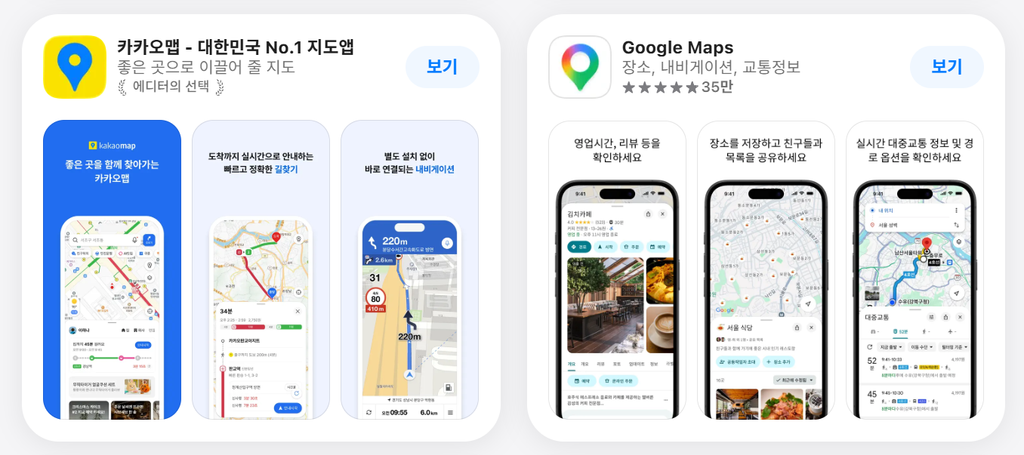
| KakaoMap | Walking, transit, and driving directions; comparing local reviews | English |
| TMAP | Driving directions and live traffic; widely used by drivers in Korea | Mostly Korean |
| Kakao T | Calling a taxi | English available |
| Google Maps | Exploring places, reading reviews, and public transit directions | Many languages; no walking or driving directions in Korea |
Many visitors use more than one map app. Some use Naver Map for directions and KakaoMap to compare reviews. If you only know a place’s English name, try searching for it in Google Maps first, then look it up in Naver Map for directions.
Tips for getting around
- Install Naver Map before you arrive and set it to English while you have an internet connection.
- Save your accommodation’s address in Korean. Ask your host or hotel for the Korean address and paste it into the search bar.
- Use Google Maps to discover places and Naver Map to get there. Browse reviews in your language on Google Maps, then check the route in Naver Map.
- Arrange mobile data. You’ll need an internet connection for live bus and subway information. Consider a SIM card, eSIM, or pocket Wi-Fi.
- Double-check business hours. Closures and relocations may take time to appear in map listings. If you’re making a special trip, check recent reviews or contact the business.
- Use a taxi app to call a taxi. Enter your destination in Kakao T and request a ride.
The bottom line
Google Maps is handy for browsing, but Naver Map is the app that gets you to the door. Download it before your trip, switch it to English, and you’ll be ready to explore Korea.